
Learn how to pay for Apple Music using Apple gift cards on Bitnob. This is another way to pay for your Apple Music subscriptions.
Apple Music is one of the most popular streaming platforms. As an iPhone user, it is the best platform to enjoy the convenience of having all of your favorite tunes in one place.
The problem is that if you’re living in Nigeria, paying for Apple Music can be a hassle. Ever since the Central Bank of Nigeria regulations that restricted the use of debit cards for international transactions, people have been struggling to renew their Apple Music subscription.
Recently, we wrote an article about how to pay for Apple Music with the Bitnob virtual card as one of the solutions to solve this problem. In this article, we will be sharing another method you can use to pay for Apple Music — buying App store & iTunes US gift cards on the Bitnob app.
Can you buy Apple gift cards on the Bitnob app?
Yes, of course!
Bitnob’s gift card feature enables you to buy gift cards from stores like Spotify, Netflix, Microsoft, Amazon and so much more. The gift card feature gives you access to a wide range of outlets including restaurants, cafés, and food delivery services. App Store & iTunes US is one of the numerous gift cards on Bitnob.
You have the option to either buy these gift cards for yourself or have them automatically sent via email to the person of your choice anywhere in the world. This means that aside from paying for your Apple Music subscription, you can also buy an App Store & iTunes US gift card for someone else to pay for Apple Music.
What to do before your pay for Apple Music
If you are in Nigeria, you must change your location/region on your Apple ID account before you can pay for Apple Music with the App Store & iTunes US gift card. This is because the gift card is an App store & iTunes US gift card. Here’s how to change your location/region on your Apple ID account:
- Go to Settings on your iPhone or iPad
- Tap your name at the top.
- Go to “Media & Purchases.”
- Tap “View Account.”
- Sign in with your Apple ID password.
- Select “Country/Region.”
- Tap “Change Country/Region.”
- From the list, select the USA as your new country or region
It’s important to note that for your location change to be successful, you must have canceled every subscription on your Apple account.
How to buy an Apple gift card on Bitnob
To use the gift card method to pay for Apple Music you need to first buy an App Store & iTunes US gift card. Here’s how you can do that on the Bitnob app:
- Tap on "More" on the Quick Links section on the homepage.
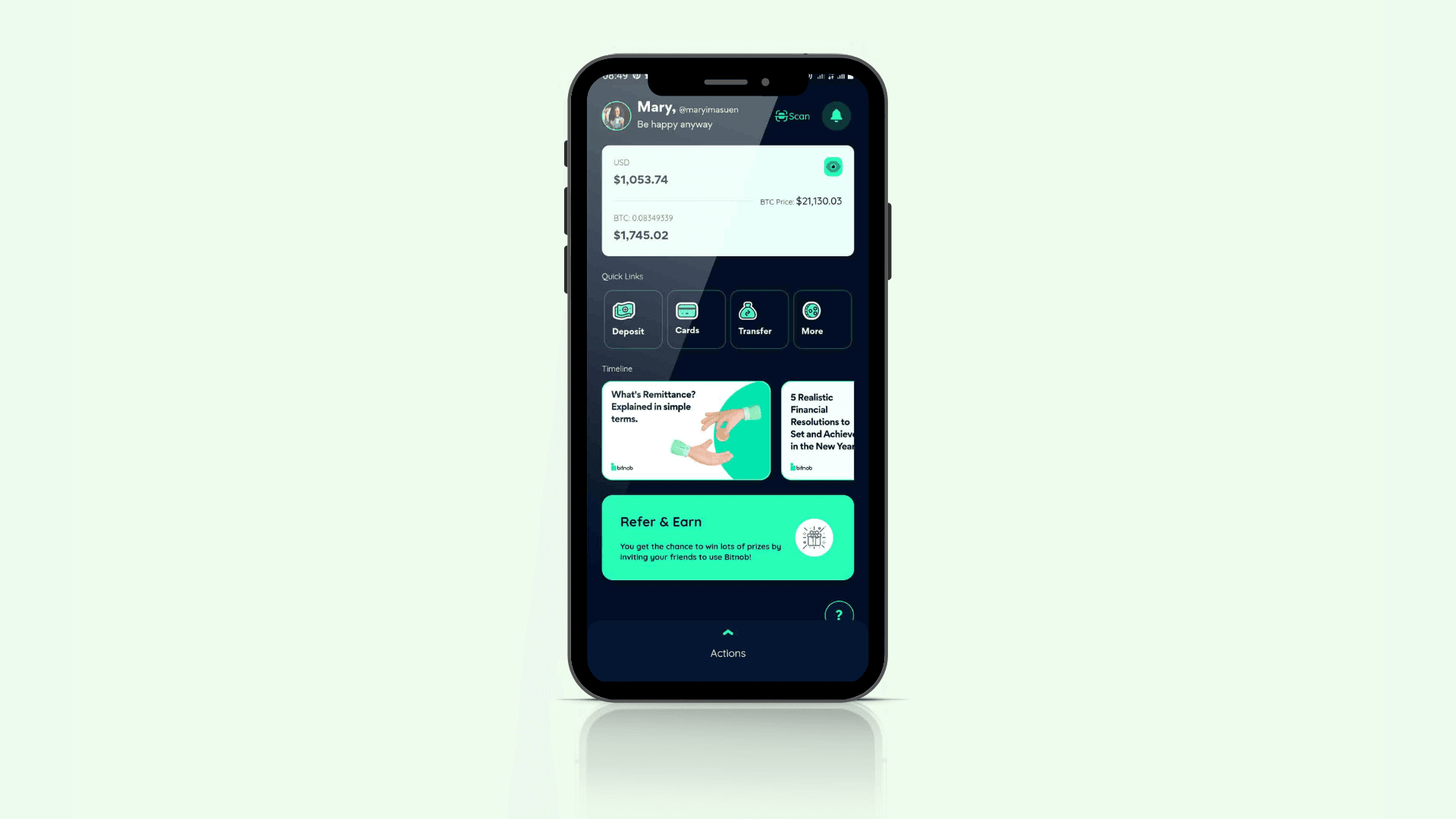
- Tap on "Gift Cards".
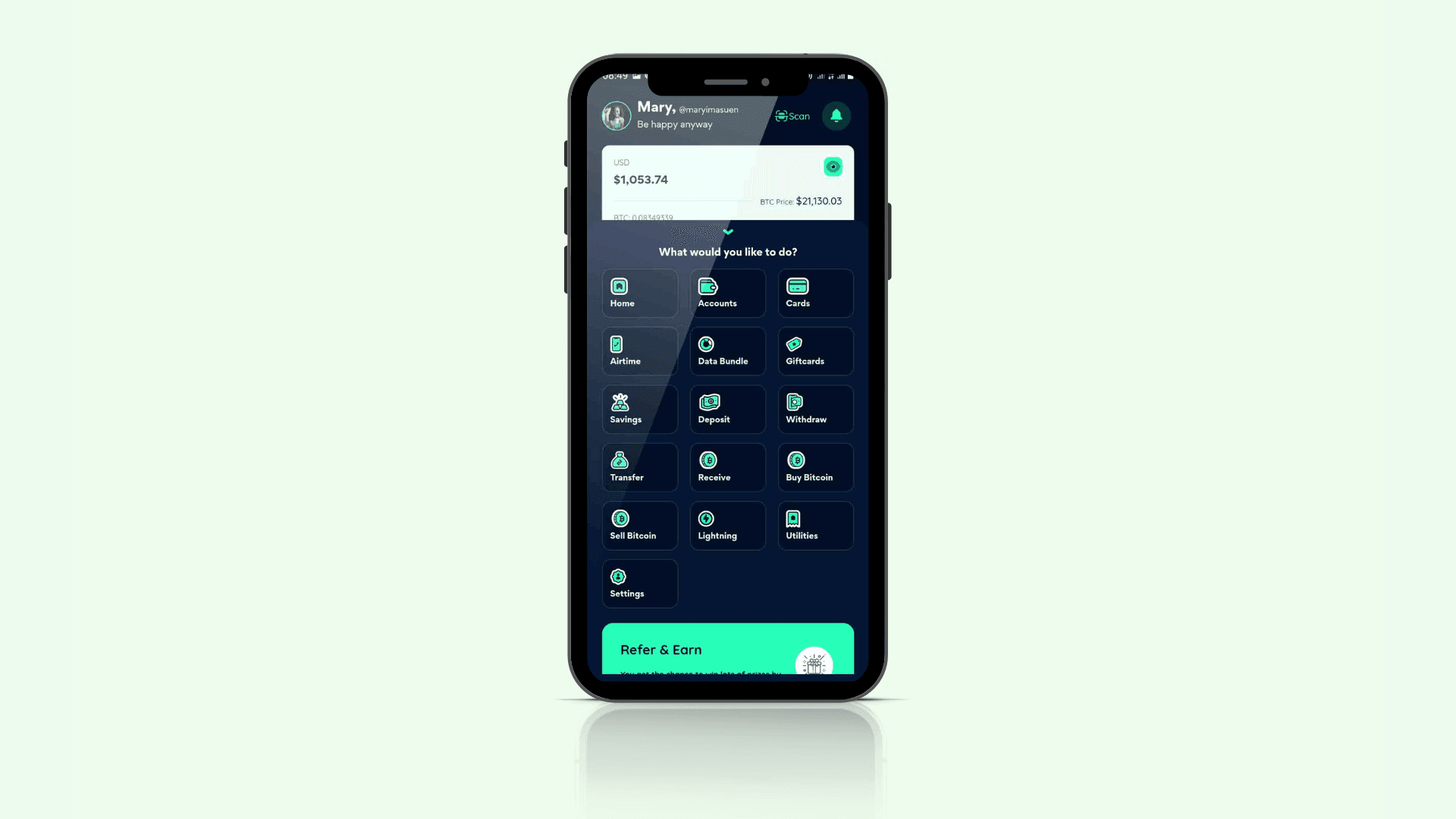
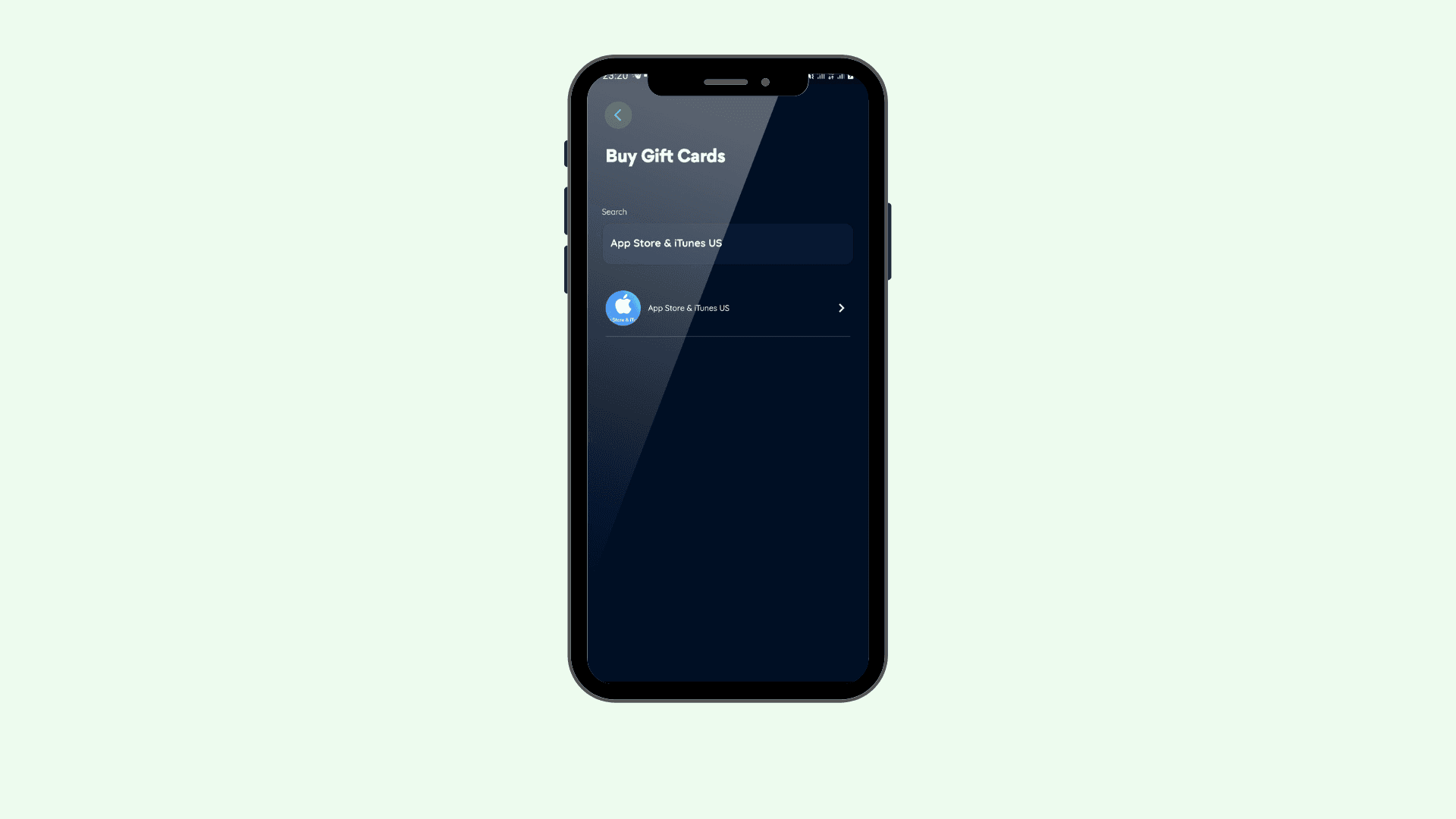
- Select “App Store & iTunes US” gift card from the list provided. You can also use the search bar. Just type “App Store & iTunes US” to make it easy to locate the gift card.
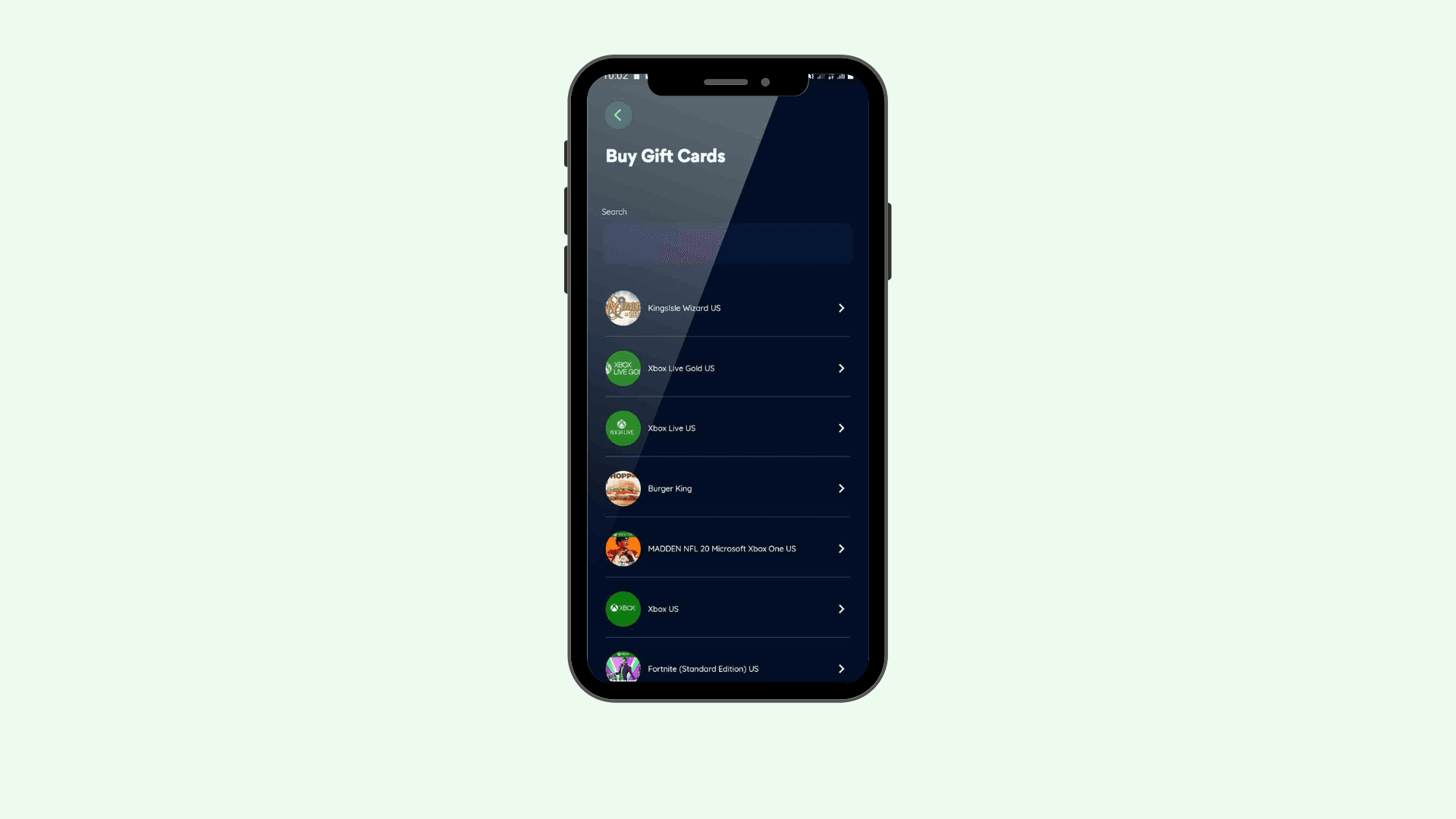
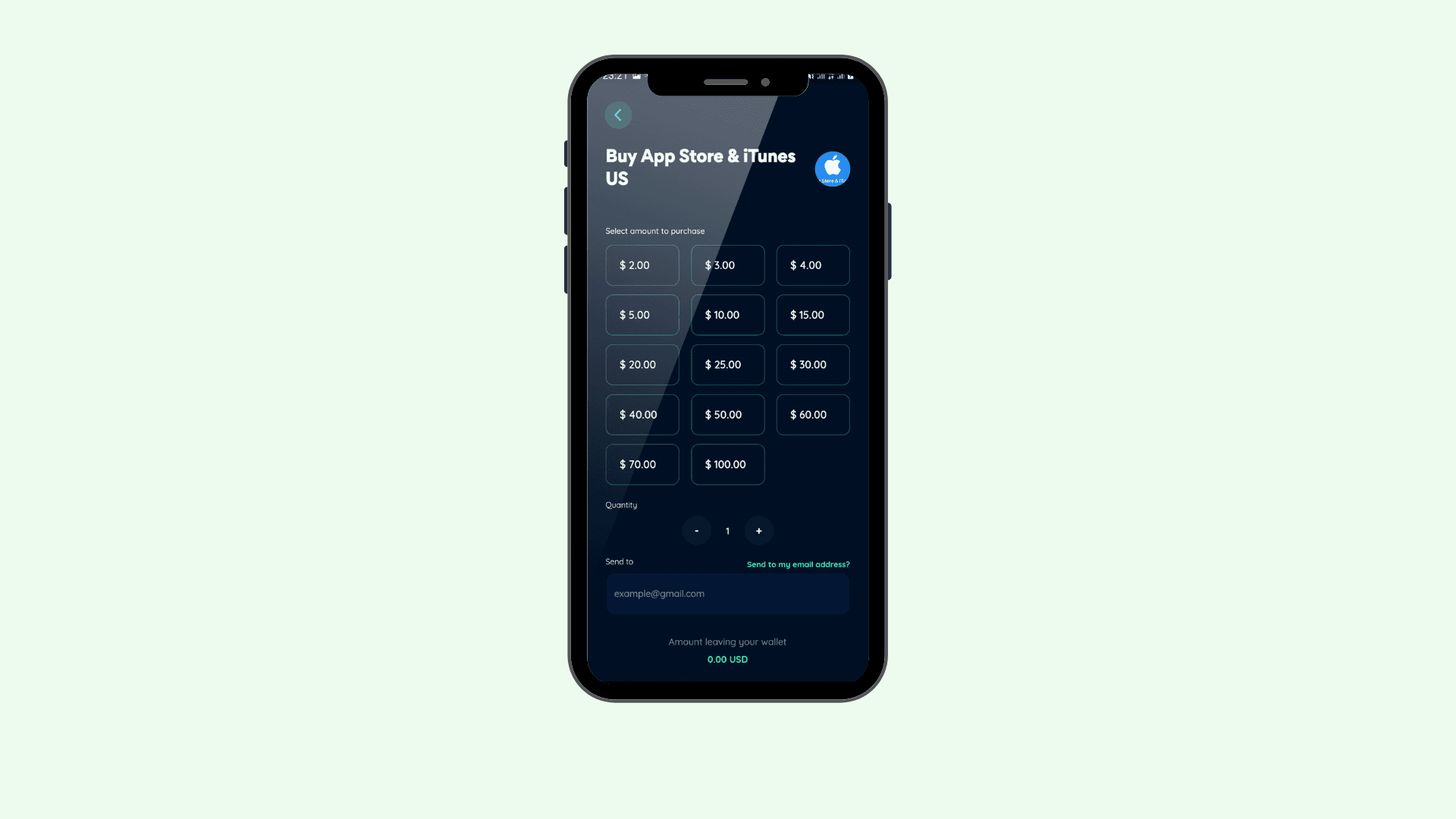
- Select the amount you want to purchase, and the quantity (In this case, it will be one.) Next, fill in the email you want the gift card to be sent to. Once you’ve done that, tap on "Next".
- Enter your pin and voila! You successfully bought a gift card.
How to use your Apple gift card to pay for Apple Music
Now that you have your Apple gift card, the next thing is to pay for Apple Music. You can easily do that using the steps below:
- Check your email for the 16-digit code of your Apple gift card that was sent to your email.
- On your iPhone, iPad, or iPod touch, open the App Store app.
- At the top of the screen, tap the sign-in button or your photo.
- Tap Redeem “Gift Card or Code”, then tap on “Enter Code Manually”. In the space type out the 16-digit code and tap on “Redeem”, then follow the instructions on the screen.
- Tap Done.
Ready for unlimited music?
Payment restrictions can no longer stop you from listening to your favorite tunes on Apple Music. Bitnob makes it possible for you to enjoy unlimited music. With this second method on how to pay for Apple Music, you don’t have to worry when your Apple Music subscription expires.
You’re now fully equipt with the solution to make paying for your Apple Music stress-free. If you’ve not downloaded the Bitnob app, click here and pay for your Apple Music subscription.